
Help Center
Client Guide
For invited clients - how to log in, edit your website in the visual builder, and get your changes onto the live site.
Last updated
Your agency runs your website on their own publishing platform, and they have given you a login so you can edit your site yourself. This short guide is everything you need. No technical background required.
Logging In#
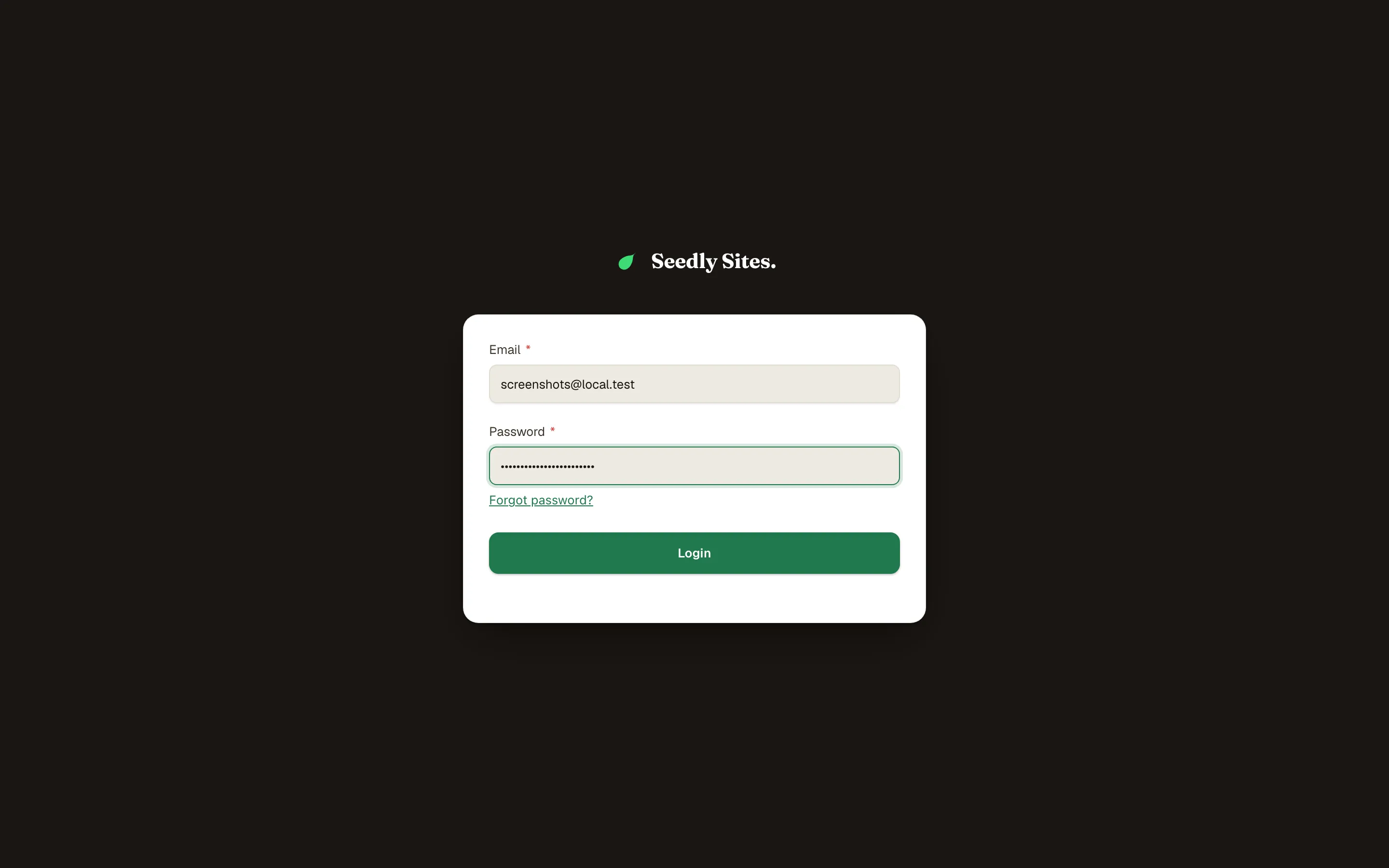
Your agency sends you an invitation with the login link. The login page carries your agency's branding - that is the right place. Sign in with the email the invitation was sent to.
Once you are in, you see your website's dashboard: your pages, your blog, your images. You only ever see your own site.
If you forget your password, use the forgot-password link on the login page.
Editing Your Site#
- Open Pages and find the page you want to change.
- Click Edit to open it in the visual builder.
- Click any text to edit it in place. Click an image to swap it. Use the panel on the side to adjust the piece you have selected.
- Your page is built from stacked sections; you can reorder or adjust them, but if a layout question feels risky, ask your agency rather than guessing.
- Save when you are done. You can preview exactly how the page will look before anything is final.
Writing a blog post works the same way from Blog Posts: write, add a featured image, save.
The Important Part: Going Live#
Saving and publishing a change updates the content system, not the public website. Your live site is updated by a separate step called a deploy, which your agency controls (some agencies enable a Deploy button for clients; most handle it for you).
So the rhythm is:
- Make your edits and publish them.
- Check the preview and make sure it all looks right.
- Tell your agency you are ready to go live. They deploy, and the changes appear on your real website.
This is a feature, not a limitation: you can edit freely, in as many sittings as you like, without half-finished work ever showing on your live site.
What You Can and Cannot Touch#
Yours to edit:
- Page content: text, images, buttons
- Blog posts
- Your image library
Handled by your agency:
- Your domain name and hosting
- Site-wide settings, branding, and navigation
- Anything under the technical or billing surfaces
- Deploys (unless they have enabled the Deploy button for you)
If something you need is not editable with your login, that is intentional - ask your agency and they can either change it for you or expand what your account can do.
Quick Answers#
I edited a page but the live site did not change. That is expected: edits go live when your agency deploys. Let them know you are ready.
I broke a layout. Do not panic; nothing is on the live site until a deploy happens. Tell your agency what happened and they can put it right.
Can I add a new page? Depending on the access your agency gave you, you may be able to create pages and drafts yourself. If the option is not there, ask them.
Who do I contact for help? Always your agency - it is their platform, and they know your site.